
Nema proizvoda
Cijene uključuju PDV
Proizvod je uspješno dodan u vašu košaricu
Imate 0 proizvoda u košarici. Imate 1 proizvod u košarici.
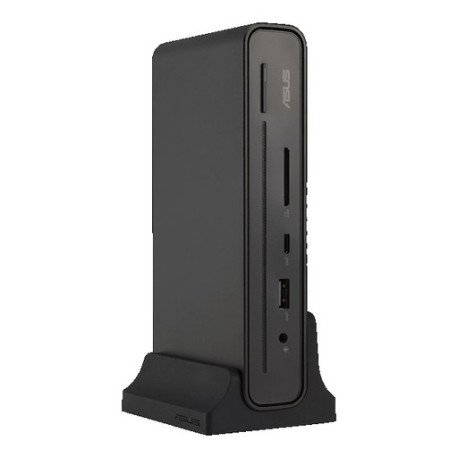
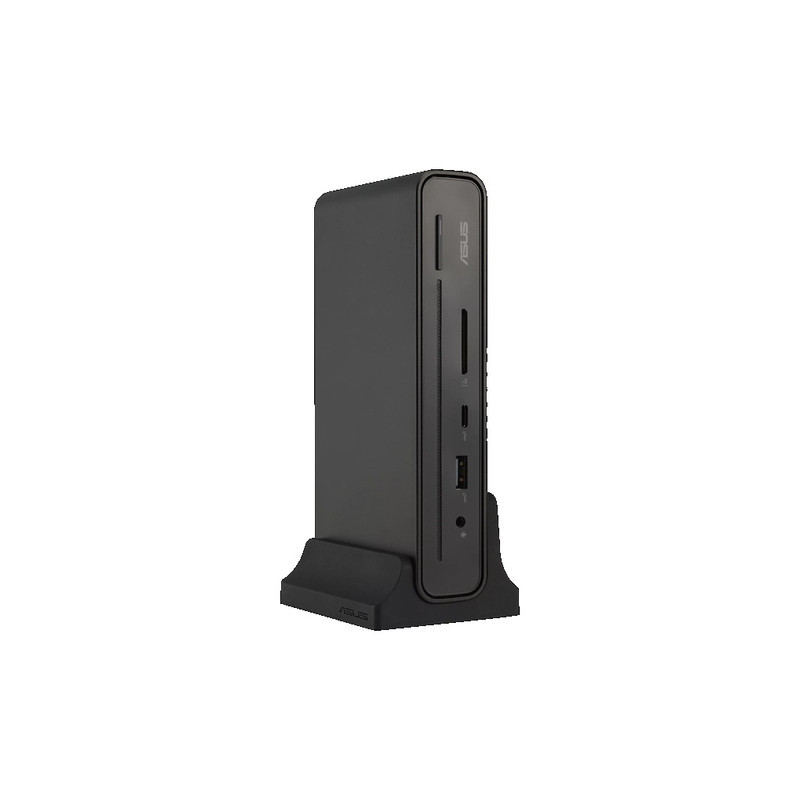
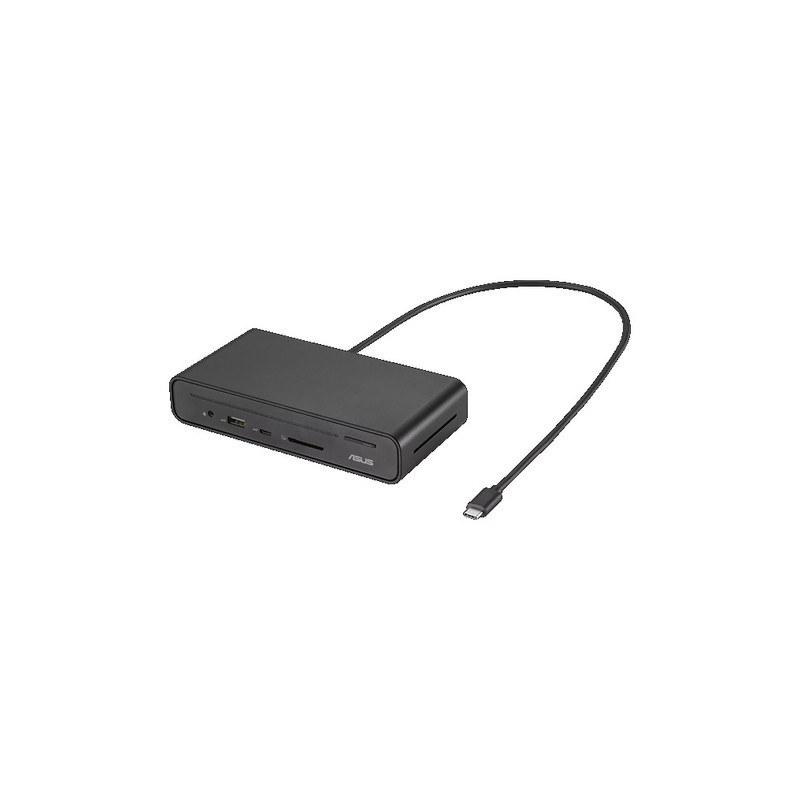
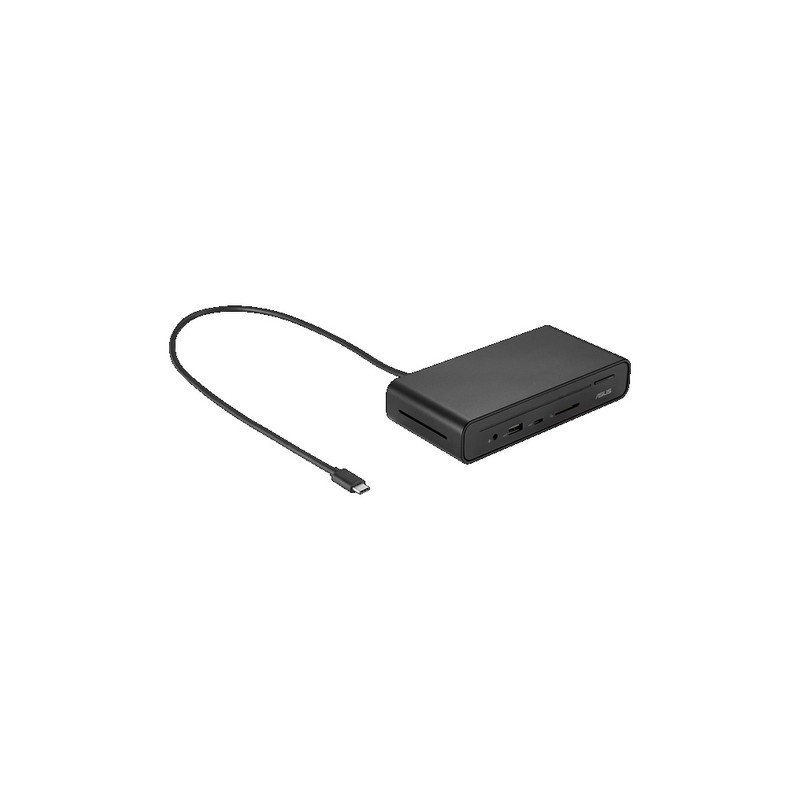
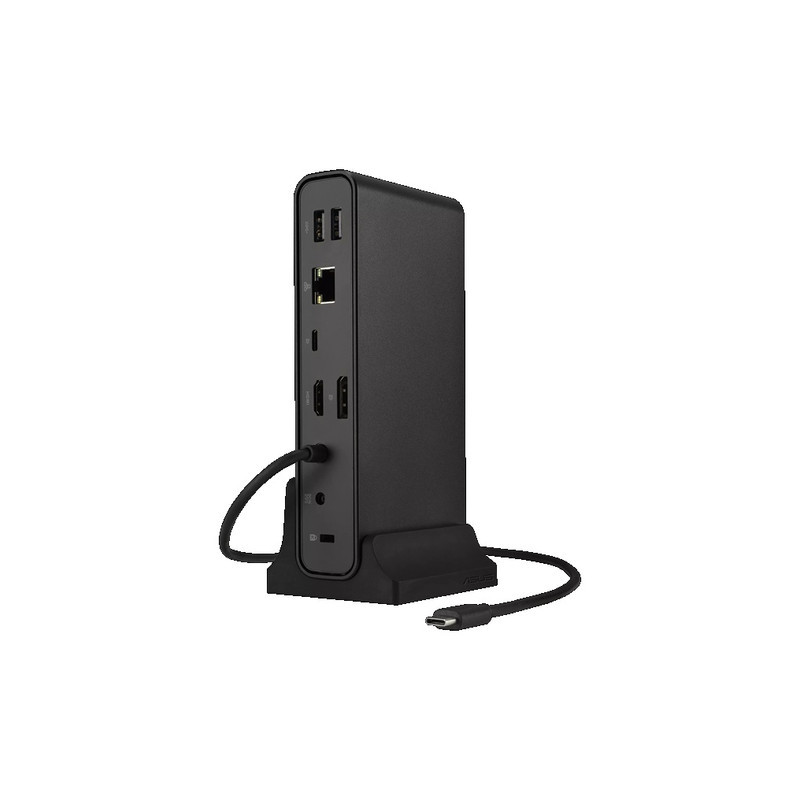
DOCK ASUS DC300 3 DISPLAY USB-C
Dobavljivo 25 kom kod dobavljača
Isporuka: 3 - 5 radnih dana
- Jamstvo: 3 god.
Vaša prava iz zakonskog jamstva
- Odstrani ovaj proizvod iz najdražih proizvoda
- Dodaj ovaj proizvod u najdraže proizvode
- Ispis
Specifikacije
- Fiscalization 2.0 Article
- G46.50.10
Opis
Dock
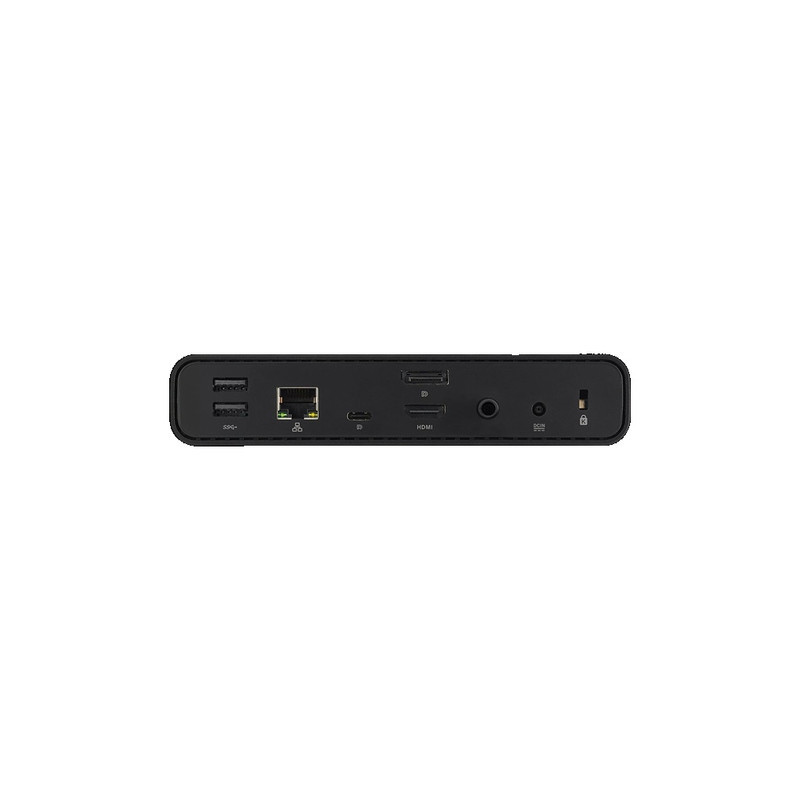
1 x RJ-45 (Gigabit) port
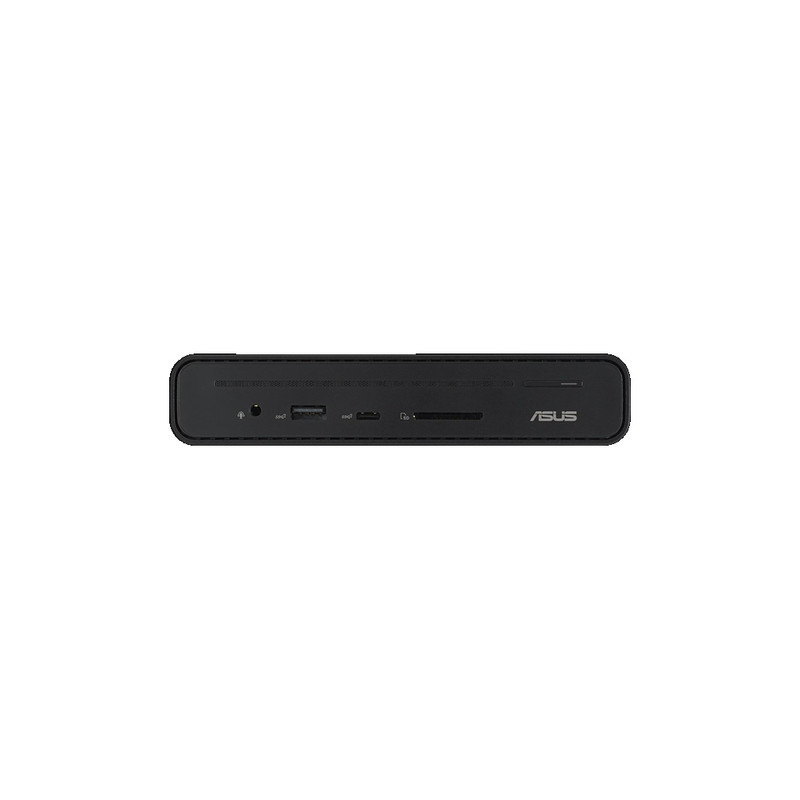
2 x USB 3.2 Gen1 Type-A ports (5Gbps)
1 x 3.5mm audio combo jack
1 x USB 3.2 Gen2 Type-A port (10Gbps/5.0V2.4A)
1 x USB 3.2 Gen2 Type-C® port (10Gbps/5.0V 3.0A)
1 x SD card reader
1 x USB 3.2 Gen2 Type-C® port (DP1.4 only)
1 x HDMI™ 2.0 port
1 x DisplayPort 1.4 port
1x Kensington lock
1x Power button with indicator LED
1x DC jack(4.5 phi)
HDMI Single Ext. Output: 3840×2160@60Hz
Display Port Single Ext. Output: 3840×2160@60Hz
USB-C Single Ext. Output: 3840×2160@60Hz
Windows® 10 or above
Mac OS 13 or later
150W DC20.0V / 7.5A
Kensington lock
65cm
Black
Dock:514g±5g
Stand:95g±5g
160 x 80 x 32 mm
Plastic, Metal
ASUS Triple Display USB-C Dock, docking stand, 150W adapter, power cord, user manual, warranty card
For ExperBook B series,
One key operation (Press the power-button to wake up your laptop with multiple monitors during standby mode).
For Other Windows Notebook (ASUS and Non-ASUS),
Press the power-button can turn on/off LED and open/shot down DC300’sdisplay signal.
For ExperBook B series,
One key operation (Press the power-button to wake up your laptop with multiple monitors during standby mode).
For Other Windows Notebook (ASUS and Non-ASUS),
Press the power-button can turn on/off LED open/shot down DC300’sdisplay signal.
For ExperBook B series,
Please refer manual for "Indicator LEDs" actions
Recenzije
Trenutno nema recenzija korisnika.